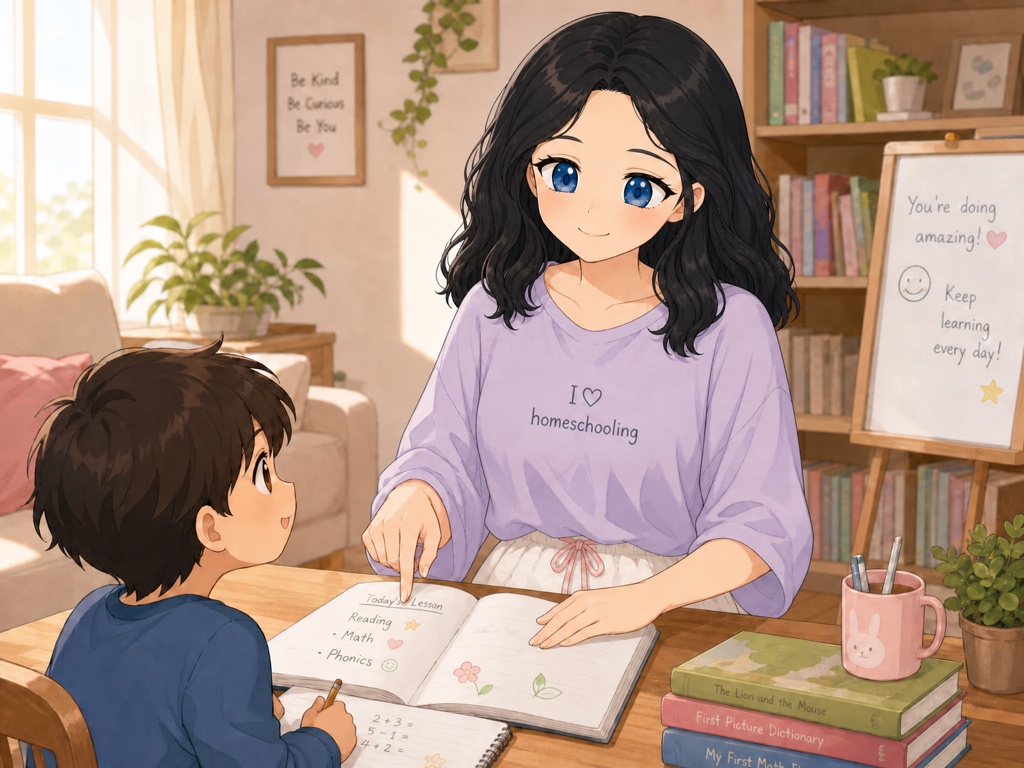
This is the screen you open every morning.
Not a library to search through. One day, in order, for each child — with the worksheets already chosen and the lesson already written. Two children on two different methods sit on the same screen, and the parts they can do together are marked as together.
There are no dates on it, and that is deliberate. The Learning Loop moves you on when you log a day, not when the calendar does. Take a fortnight off for a new baby or a hospital stay and you come back to exactly where you stopped, with nothing to catch up and no red numbers waiting for you.
Curious what comes out of the printer instead? See a worksheet change — pick a subject, push the text size up, watch the page rebuild.

How it goes
Oakley is the assistant inside The Learning Loop. It is the one asking the questions and writing the pages.
Oakley asks. You answer.
A few minutes. Saves as you go.
Oakley builds. You check.
On a real page, before you print.
You teach.
Print the week. Log it in a minute.
The maths is checked twice
Problems are built backwards from the answer, then re-solved by a second checker that shares no code with the first. A sheet that fails does not print.
Your child’s profile stays on your computer
Names, ages, likes and learning needs are never uploaded. There is no account to make and no server holding any of it.
Teaching 2 kids?
The second child is free, on the same plan. Both children get their own profile, their own accessibility settings and their own material — you pay once.
Multiple teaching methods, your choice
Charlotte Mason, Classical, Unit Studies, Traditional, Montessori, Mastery Drill, Play-based, Oral Tradition, Islamic pedagogy — or a different one for each subject, which is what most homeschoolers end up doing anyway. The method is the spine, not a label — a Charlotte Mason plan gives you readings and narration prompts, not a stack of worksheets.
Before you go further: The Learning Loop is not a school
It is not accredited (yet), and it does not replace your accredited provider — it sits alongside one and does the planning, writing and printing. If that matters for your family’s situation, read Is this for us? before anything else.